We have tested the Denon AVR-X540BT AV receiver!
The Denon brand is not unknown to us, we have already tested several types of AV receivers. Denon products are available at a relatively higher price, but we have now tried a model in an affordable price range. Right at the beginning of our article, it should be mentioned that the AVR-X540BT has all the basic equipment needed to operate 5.2 configuration – but nothing else. Only Bluetooth is available for multimedia / streaming, no Ethernet connection or WLAN module. It is equipped with DTS-HD and Dolby True HD decoders, but DTS: X and Dolby Atmos decoders are missing.
Let’s take a look!
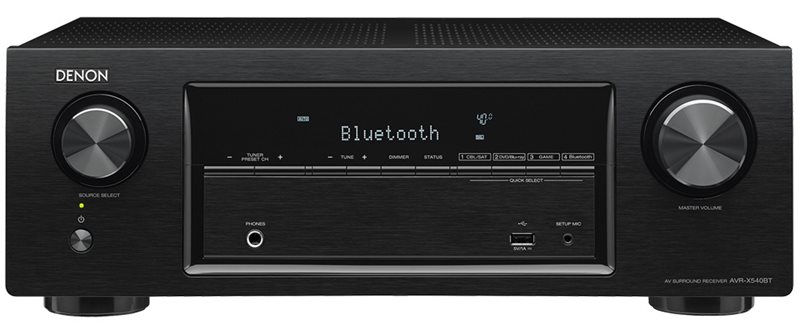
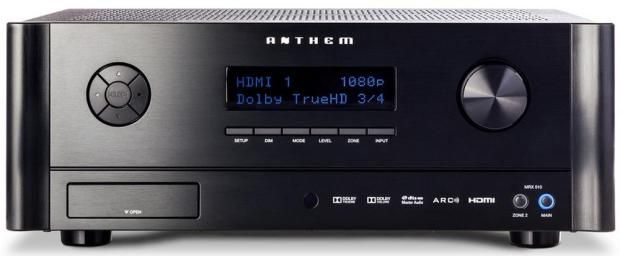
The well-known Denon design ornaments the front of the device, which has been slightly refined ever since its debut, but not significantly changed. Made of good quality plastic, the rotary button on the source selector is slightly rigid, while the volume control is well designed. There is a large 6.25 mm headphone output on the front panel as well as a connection for the speaker calibration system setting microphone and a USB port.
-
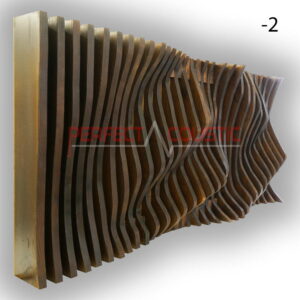
 Parametric Wall Art Panel (Diffuser)327 € – 426 € +Vat
 -

 Bass acoustic wall panels with double leather membrane83 € – 260 € +Vat

The single-line front display gives us necessary information in dot-matrix resolution, and the front USB port allows some basic multimedia playback. Many audio file formats such as MP3, WMA, FLAC and MPEG-4 / AAC can be played through this connection. The AVR-X540BT is also compatible with the HEOS link. The brightness of the display can be adjusted or switched off.
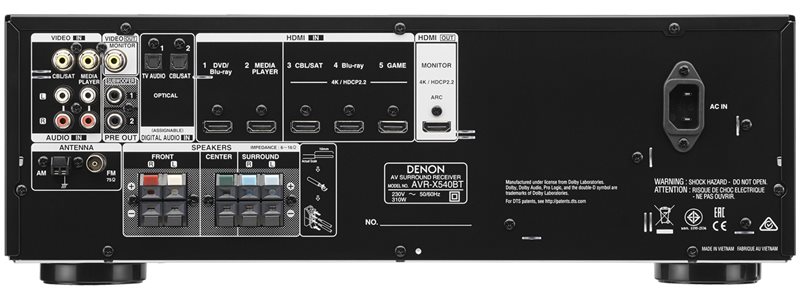
Denon has provided the AV receiver with plenty of HDMI connections. It has five outputs and three inputs – “Blu-ray”, “CBL / SAT” and “Game” – compatible with 4K Ultra HD, HDCP 2.2, HDR, BT.2020, Wideo Colour Gamut, 4: 4: 4 Pure Colour subsamples and can also convert 21: 9 video.
In addition, there are 2 optical inputs, 2 FBAS cinch / audio inputs on the receiver, and at least 2 preamplifier outputs on the back panel for connecting active subwoofers.
For easy connection, the AVR-X540BT is equipped with colour-coded speaker connectors, and the speaker cables are labeled accordingly. Unfortunately, the connecting end of the speaker cable is not of very good quality; all the cables are cheap and have a poor design.
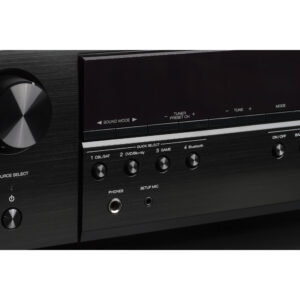
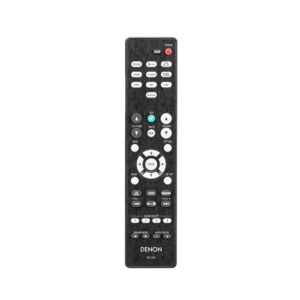
The front of the AVR-X540BT has four shortcut buttons to switch between the most commonly used input sources. These quick selection buttons are also found on the remote control.
Other features of the Denon AVR-X540BT
The output power (8 ohms, 20 Hz to 20 kHz, 0.08% THD, 2-channel operation) is 70 watts. 6 ohms, 1 kHz, 0.7% THD, 90 watts of power for 2-channel operation.
Of course, you can’t expect the best quality parts from such a cheap AV receiver.
The AVR-X540BT is equipped with a measuring microphone that allows you to automatically adjust basic system parameters to suit the speaker system you are using and the room. The calibration process is built into the installation wizard, and the very simple resolution of the fonts also shows that the 540 has a completely different OSD than the more expensive Denon AVR-X models.
-
 Grid diffuser133 € +Vat
 -
Absorption panels with diffuser-Two in one62 € – 296 € +Vat

The installation wizard is clear and easy to understand, guiding the user through the installation process quickly and easily and making basic system settings. The included remote control gives little cause for complaint visually or practically. It is relatively high quality and at the same time logically arranged. Alternatively, the AVR-X540BT can be controlled with the Denon Bluetooth Remote Control application. To pair, press the Bluetooth button on the remote control for three seconds, then follow the instructions on the smartphone touch screen and 540 display. Functions that work with the Bluetooth Remote App: Power on / off, volume control, mute and source selection. The App is available for iOS and Android devices. Thanks to the HDR (High Dynamic Range) and ARC (Audio Return Channel) functions, the perfect home theatre experience is also achieved.
Eco Mode
Eco mode adjusts the power of the amplifier to the volume, thus reducing power consumption.
Easy to set up
The Denon Setup Assistant as well as the Quick Start Guide allow you to easily set up the amplifier.
HEOS Link compatibility
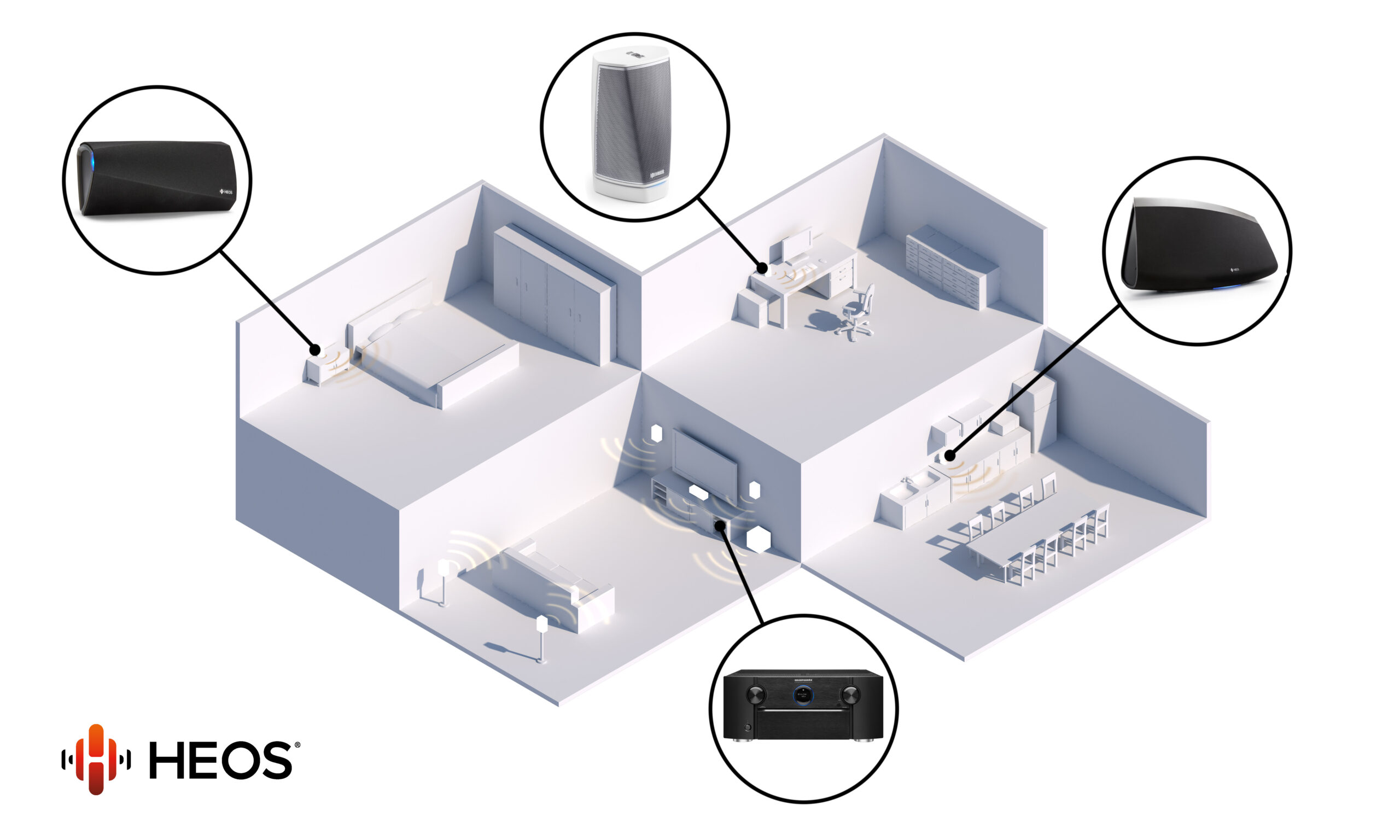
Thanks to the optional HEOS Link, the AVR-X540BT can play almost any number of online music sources, such as Internet Radios, and well-known music streaming providers, e.g. Spotify, Deezer or TIDAL. In addition, once connected to HEOS Link, the free HEOS application allows you to control certain functions of the amplifier.
On the USB port, the X540BT can handle FAT16 or FAT32 file system mass storage devices up to 2 GB and 2 TB, respectively. Although 2 TB would be enough for a lot of songs, but unfortunately the amplifier will compile only max. 999 files organised into 99 folders.
Although the AVR-X540BT cannot be connected to our computer network, using the Bluetooth feature, with a Bluetooth adapter you shall be able to play virtually any amount of music from a Synology NAS (if the NAS and Denon are in close proximity to each other).
The Compressed Audio Restorer function ensures lossless playback of compressed audio formats (WMA, ACC, MP3). The device is also equipped with a sleep timer. The frequency transmission is 20 Hz to 20 kHz.
The device measures 434 × 151 × 319 mm and weighs 7.5 kg. It also has an AM / FM radio antenna.
-
3D Sound absorbing panels – Size: 60x60x10cm 3kg49 € – 59 € +Vat
-
Cubic Sound Diffuser 60x60x10108 € +Vat

The sound
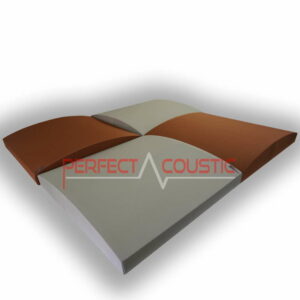
The Denon amplifier was tested with Monitor Audio Silver 200 speakers in a fairly small room. The acoustics of the audio and hi-fi room created from a guest room were not yet adequate, as the echo caused serious problems due to the close walls. During the acoustic measurement, we determined where and what type of acoustic panels are needed for the ideal sound. Broadband and leather membrane panels as well as 60 x 60 cm diffusers should be placed on the walls, and diffuser front acoustic panels on the ceiling. It is advisable to cover the tile floor with an acoustic carpet as well. Although almost all amplifiers have an automatic room calibration program, such software alone is not enough to make rooms sound optimal. Room correction programs are only useful if the room acoustics have already been treated with made-to-measure acoustic panels, Only then minimal adjustments are required, which can be done with the amplifier’s room calibration function.
We first listened to Mozart’s Requiem and then watched the 2017 American War movie The Wall to put the amplifier to test.
There’s not much to be said for the sound of the av receiver, although it lacks sound quality compared to the more expensive Denon models, especially in the bass ranges, but it’s a compromise in this price range.
Verdict
This device is available at a very affordable price and provides fair performance. Although it is not capable of decoding DTS: X and Dolby Atmos, it is well equipped with HDMI connectors. It does not offer a connection to the Internet, but you can play and stream music via Bluetooth. It’s easy to set up. If you are satisfied with the features offered by the Denon AVR-X540BT, you can get a great device at an affordable price.
G.H.
Written by Róbert Polgár