We have tested the Canon LX-MU800Z laser projector!
The main advantages of laser projectors are minimal maintenance and a cost-effective laser light source.
LX-MU800Z model
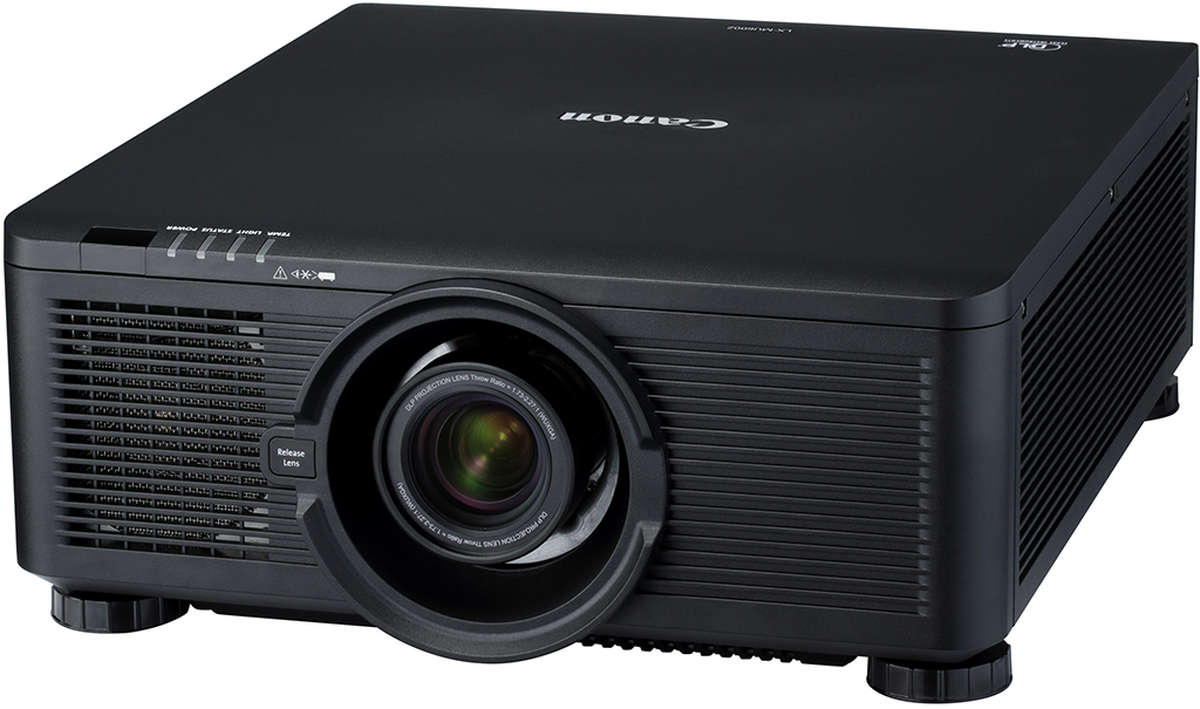
The traditional-looking black Canon projector uses a light source produced with the latest laser technology and can last up to 20,000 hours. Using the projector for 15 hours a week means a lifespan of roughly 25 years.
Laser projectors emit a blue beam of light through a rotating phosphor wheel to produce yellow light that contains red and green components. This light is then reflected from the projector’s Digital Live Processing imaging chip, which the projector transmits to the screen through its output lens.
-
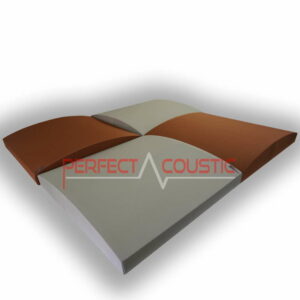
 3D Sound absorbing panels – Size: 60x60x10cm 3kg49 € – 59 € +Vat
 -
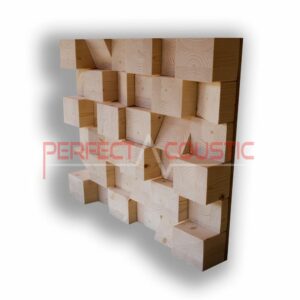
Cubic Sound Diffuser 60x60x10108 € +Vat
The projector is capable of 1920 x 1200 resolution imaging, resulting in a super sharp, balanced colour palette and lighting. The contrast ratio is 10500: 1 and the brightness of the lamp is 8000 lumens. It is advisable to install the device in medium-sized and larger rooms. It is one of the heavier projectors in terms of weight and size.
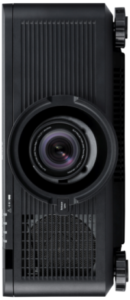
The LX-MU800Z is flexibly adjustable, can operate at 110 or 220 volts, and can be installed at any angle, whether your prefer vertical or horizontal disposal. All distances from the wall are required to prevent the appliance from overheating. It has four adjustable legs and can be fixed to the ceiling using six-fold attachment.
Flexible setting
Due to the laser technology, there is no need for filters or replacement lamps, so it is trouble-free and cheap to use in the long run. It has an extremely precise lens switching mechanism, placing the image exactly where you want it without having to control the projector. We can move the image up and down by fifty percent and right and left by ten percent. The projector can also correct vertical 40 and 60 degree keystone distortion, which means that if you do not use the projector at the usual standard placement angle, you will still get a square, sharp and clear image.
-
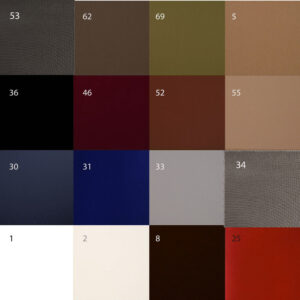
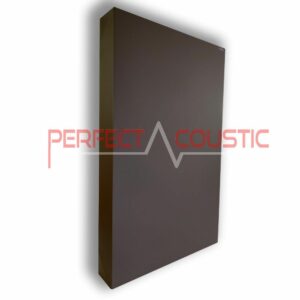
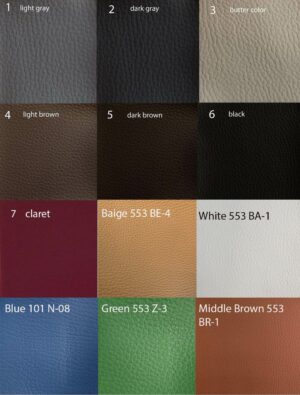
 Sound absorber leather membrane49 € – 253 € +Vat
 -

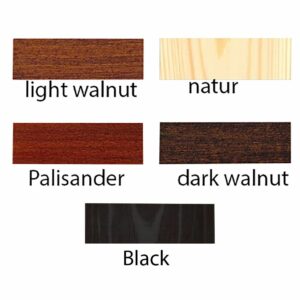
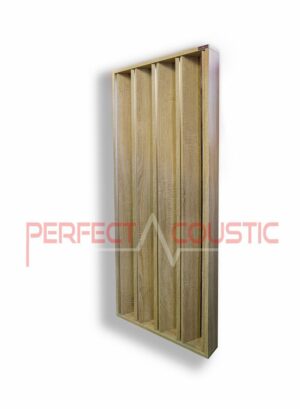
 Column Diffusers179 € – 288 € +Vat
Interchangeable lenses
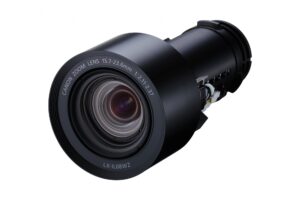
Thanks to the 8 interchangeable lenses, the projector can be used in almost any circumstances: whether you need short-distance projection, ultra-wide-angle zoom, or you opt for the ultra-long zoom in an exceptional situation. Switching between lenses is safe and easy, as the projector’s built-in software has 8 preset lens memory settings, and the light source is turned off when changing lenses for safe switching.
The projector’s menu system is logical and ergonomic, offering three projection modes: Presentation, Normal, Video, and sRBG, moreover, you can create your own custom settings. It lacks a video processor or a separate video card slot. In addition to the power button, the projector has a power button 110 and a 220-volt button. The power cord arrangement is also very thoughtful.
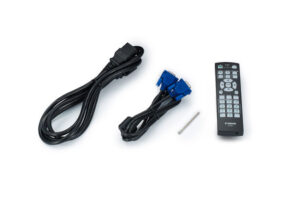
For optimal image quality, the projector has 10 test patterns, and there are buttons for calling up the menu, navigating and selecting the input source, and changing the aspect ratio. You can zoom in, focus, and slide the lens away from the control panel, but you can also do it with the backlit remote control.
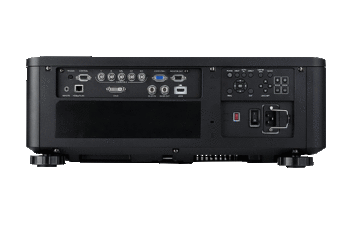
It also has HDMI and DVI-D ports, but lacks the DisplayPort input. It has VGA input and output and coaxial inputs, and an RS232 port for upgrades and control, as well as 3D sync ports. The disadvantage of the projector is that there is no cable cover where the wires can be hidden. It has an HDBaseT video connection (for uncompressed video transmission over Ethernet), but it does not offer Wifi. Works with AMX, Extron, and Crestron controls. The projector can be operated independently without an audio system or speakers. There are also 15-pin D-Sub connectors and 5 BNC component inputs on the device.
About laser projectors
In our previous projector tests, we have already written an article about the main differences between laser projectors and projectors made with traditional technology.
Laser projectors have a longer lifespan, require minimal maintenance, and are more cost-effective to use, although the purchase price of projectors is generally higher than that of projectors with traditional optics. However, with laser projectors, the image quality cannot match the resolution and clarity produced by traditional glass lens projectors. So this is a compromise everyone shall think of: as a matter of fact it has to be decided what is more important, to be able to use the projector for many years, let’s say up to 25 years without servicing the device and replace the lens, or to be prepared to undertake a fairly expensive lens replacement in some years, and in return get a real 3D cinema like experience.
-
Giga bass panel with membrane94 € – 129 € +Vat
-

Canon LX-MU800Z – The Test
The Canon LX-MU800Z projector can be set up very quickly. In Presentation mode, a slight greenish-blue colour and a dirty yellow were observed after switching to Normal and Video modes, respectively, and the output power dropped to 6140 and 5125 lumens, but the colour balance improved significantly, mostly in skin tones. Clearly, the Video mode proved to be the most ideal, with the right amount of warmth, bright yellow and green. It produced excellent focus and brightness, the fan was a bit loud though. We recommend this projector for medium and larger rooms.
When we tested the projector, we got fantastic, balanced, natural and realistic colours, although the image quality was a bit lower compared to projectors with the traditional glass lens we tested earlier. The contrast ratio, the native black levels were also great, and the skin tones close to the real colours.
In summary
Due to its rather high price, not everyone can afford this projector. We were happy with it, although among similar premium projectors, we would probably prefer the JVC DLA RS3000 projector with a traditional glass lens.
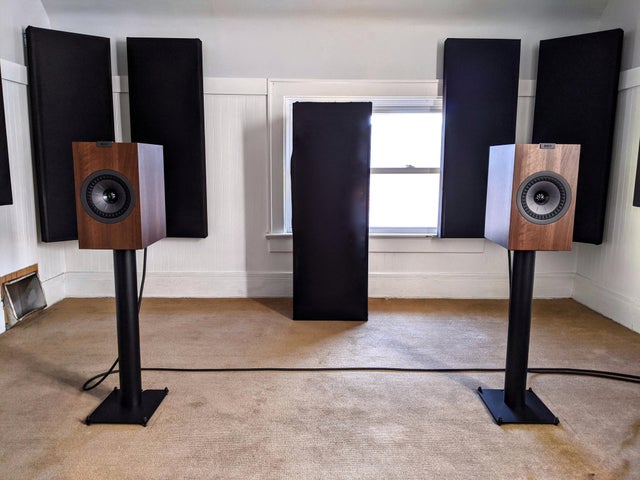
When building home theatre systems, also pay attention to the acoustics of the room, because whatever expensive and excellent audio and hi-fi equipment your cinema room will be equipped with, without proper acoustics, the sound will not be ideal. Choose products specially developed for the treatment of acoustic flows of walls, ceiling, windows or floor surfaces!
G.H.
Written by:
Róbert Polgár